Choosing prompt management tools

Manage prompts like changes your users will notice.

Compare prompt management tools by versioning, application retrieval, testing, collaboration, and incident reproduction—not just an editor feature list.

Written by Lunary · Documentation reviewed September 16, 2026 · Sources & methodology

THE SHORT ANSWER

A prompt manager should help your team identify what ran, test what changes, and review how the result affects users. Use one complete release as your evaluation script.

Teams moving beyond prompts scattered through application code

Reproduce the result

Record the prompt content or exact version, variables, model, and parameters used by the application.

Review the change

Compare baseline and candidate on useful examples before changing what production retrieves.

Validate delivery

Test retrieval, caching behavior, failure handling, and the path back to a known version.

COMPARE THE WORKFLOW

At a glance

Manage prompts like changes your users will notice.: at a glance
PlatformDocumented workflow to inspectQuestion for the trial
LunaryPrompt templates and playgroundCan the team connect a conversation issue to a prompt test?
LangfuseVersioned prompts and SDK retrievalCan the app resolve and record the intended version?
LangSmithPrompt engineering and evaluationsCan a reviewed candidate be compared with the baseline?
HeliconePrompt management through the AI GatewayDoes prompt delivery fit the serving architecture?
01

Know when a prompt manager earns its place

Prompts stored in code can be appropriate when a small engineering team owns infrequent changes. A dedicated workflow becomes useful when multiple people edit prompts, review examples, or need to connect behavior to the version that produced it. Write down the coordination problem you want to remove. Moving text into a web editor is not itself an improvement if versioning and ownership remain unclear.

02

Compare complete workflows

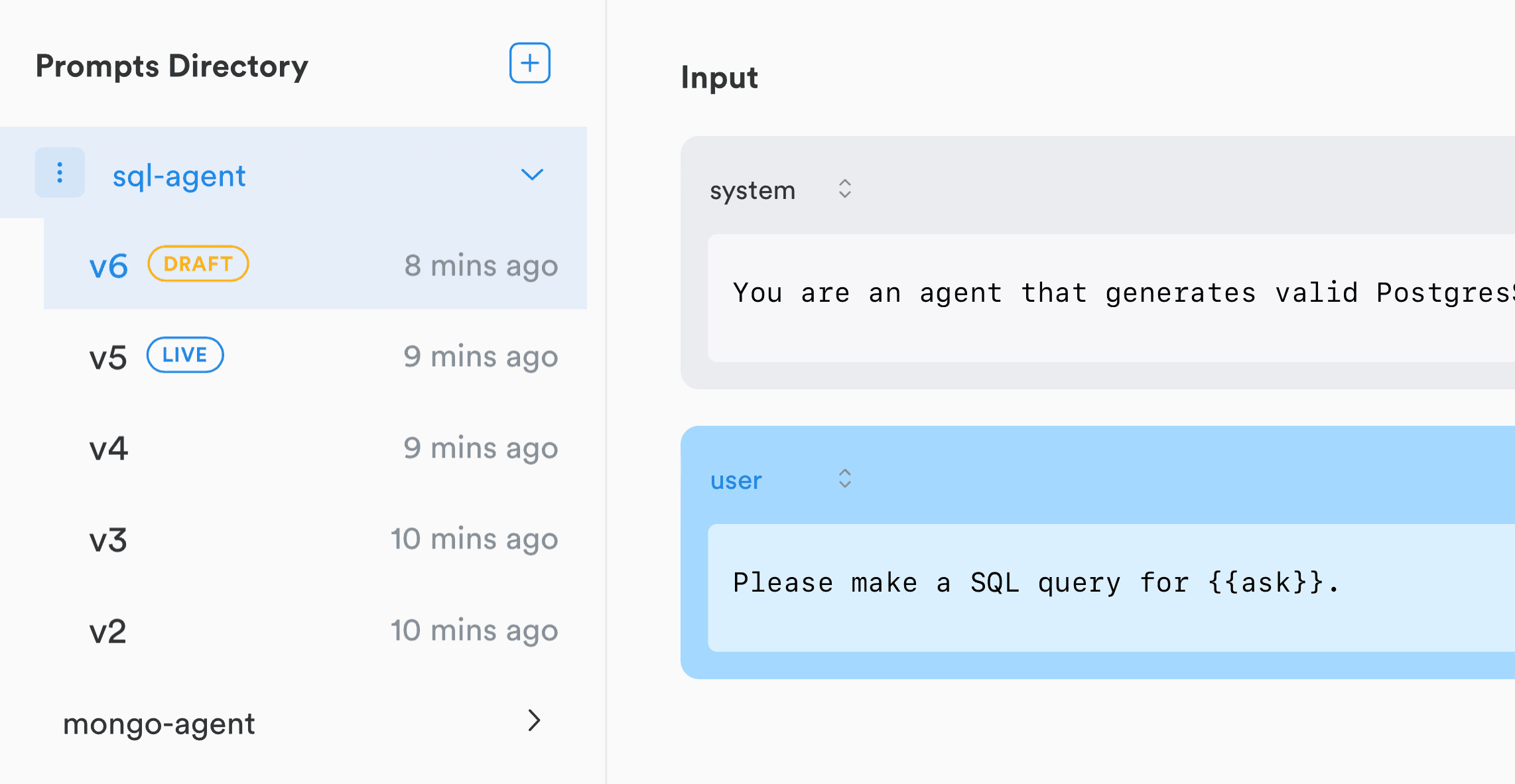
Lunary documents prompt templates and a playground for testing. Langfuse documents versioned prompts and SDK retrieval. LangSmith documents prompt engineering, and Helicone documents prompt management integrated with its gateway. Each is a reasonable candidate for a different architecture. Ask the same person to create a change, test it, retrieve it from an application, and explain the recorded result in every tool.

03

Store the context required to reproduce an answer

Prompt text alone is not enough. Variables, retrieved context, tool definitions, model settings, and conversation history can all affect the response. Decide which of these the prompt manager owns and which belong in application traces. When production refers to a mutable label or environment, record the resolved version as well as the label so later edits do not rewrite your understanding of an old result.

04

Test a release and a recovery

Take one real prompt improvement and one intentionally bad change through the trial. Compare both with the current baseline on the same examples. Verify how reviewers see the differences and how the application requests the intended version. Exercise a retrieval failure in a non-production environment and confirm that the fallback behavior is deliberate. Then demonstrate the recovery to a known version without relying on someone remembering the previous text.

05

Measure whether the workflow improves the product

Track time from a reported issue to a reviewed prompt change, the share of incidents with a known prompt version, and regressions found before release. Connect releases to the customer outcomes you already measure, such as completed tasks or helpfulness feedback. Keep workload mix and model changes visible when interpreting results; a faster prompt-editing process does not by itself prove a better product.

A FEW MORE DETAILS

Common questions

Should prompt content always live outside code?

No. Choose the ownership and release workflow that fits the team. A dedicated manager is useful when it improves collaboration, testing, or reproducibility.

Is a production label enough to reproduce a run?

A mutable label can point to different content over time. Retain the exact resolved version and the relevant runtime inputs.

Does a prompt manager replace evaluations?

No. Editing, versioning, and delivering a prompt are separate from evaluating whether the change is better. Test both workflows together.

Sources & methodology

Lunary publishes this guide. We compare documented workflows and explain where each approach fits; this is not an independent benchmark or a hands-on product rating. Features, limits, and commercial terms can change. Check the linked vendor documentation before deciding.